
A machine jams on the night shift. The operator who knows the fix retired eight months ago. The correct procedure exists - it is a PDF in a SharePoint folder the operator has never had a login for, written in a language he reads slowly. So he does what frontline workers do a billion times a day: he guesses, calls a colleague who is off duty, or waits for a supervisor. The line stays down.
Roughly 80 percent of the global workforce - around 2.7 billion people - work like this. They stand at a machine, drive a van, stock a shelf, or care for a patient12. They are the people who actually make, move, sell and service the things a company exists to deliver. And they are the ones systematically cut off from the company knowledge that would let them do it right, because that knowledge lives in desktop systems they never open.
This guide is for the operations leader, plant manager or COO who has watched digital projects sail past the frontline for a decade. It covers what the disconnect actually costs, why the knowledge never arrives, and how a Company Brain plus AI employees - reachable from a phone, a tablet or a voice on the floor - finally puts the right answer in the worker’s hand and captures what the worker knows back into company memory.
TL;DR
80 percent of the workforce is deskless yet gets about 1 percent of enterprise software investment - the single largest knowledge gap in most companies1.
The cost is measurable - frontline workers lose roughly 376 hours each per year to poor information access, searching and redoing work, adding up to an estimated 80.6 billion dollars3.
A Company Brain puts instant, sourced answers on a phone, tablet or voice on the floor, in the worker’s own language, by reading the SharePoint, email, CRM and ERP they never open.
AI employees handle the routine follow-up - logging the fix, raising the order, updating the record - so the worker stays on the task.
Knowledge survives turnover - what the floor knows gets captured as questions are asked and answered, so a fix does not retire with the person who knew it.
The Frontline Blind Spot
Every wave of enterprise software for thirty years was built for the person at the desk. CRM for the salesperson, ERP for the planner, the wiki for the office. The frontline - the majority of the workforce - was left with a printed binder, a laminated sheet and a supervisor to interrupt. The numbers on that neglect are stark.
- The 80 / 1 gap - Deskless workers are around 80 percent of the global workforce but receive roughly 1 percent of the 300 billion dollars spent each year on software venture funding1. The people who do most of the work get almost none of the tools.
- They feel it - 51 percent of frontline employees feel their employer sees them as expendable, and 49 percent notice a cultural divide between themselves and corporate colleagues6.
- The tools they do have are disliked - about 60 percent of deskless workers do not like their current tech tools, 61 percent use personal phones to reach work information, and 54 percent have limited or no email access7.
- Messages do not land - 63 percent of frontline workers say communication from leadership does not reach them, and 55 percent have adapted to digital tools with no formal training4.
- The appetite is there - despite all of it, 63 percent of frontline workers are excited about the opportunities technology creates, and a third say they simply lack the right tools to do the job4.
Key Data Point
Deskless workers make up roughly 80 percent of the workforce - about 2.7 billion people - but a mere 1 percent of software venture funding serves them1. Emergence Capital calls this the single greatest untapped source of operational productivity in the modern service economy. The knowledge gap on the frontline is not an edge case. It is the biggest one in the building.
This is the blind spot: the people closest to the value are the furthest from the knowledge. Closing it is not about buying every worker a laptop. It is about carrying the company’s memory to where the work happens.
| Indicator | Frontline Reality | Source |
|---|---|---|
| Share of global workforce | ~80% deskless (~2.7 billion people) | Emergence Capital1 |
| Share of software investment | ~1% of annual software VC funding | Emergence Capital1 |
| Feel seen as expendable | 51% of frontline employees | 1Huddle6 |
| Limited or no email access | 54% of deskless workers | Xenia7 |
| Leadership messages do not reach them | 63% of frontline workers | Microsoft4 |
| Excited about workplace technology | 63% of frontline workers | Microsoft4 |
What Every Shift Quietly Loses
The cost of the frontline blind spot does not show up as a line item. It hides inside every shift as small delays, wrong guesses and repeated work. A 2025 study of 800 frontline employees put numbers on it, and they are large.
- 376 lost hours per worker per year - each frontline worker loses about 120 hours unable to work because of poor information access, 124 hours searching for what they need, and 132 hours redoing tasks because instructions were incomplete3.
- Knowledge is scattered - 44 percent of frontline workers say data is spread across too many systems, and 40 percent find it too time-consuming to find what they need3.
- 80.6 billion dollars a year - the study puts the annual cost of poor information access to frontline employees at 80.6 billion dollars3.
- Shadow IT fills the void - 71 percent admit to using personal devices or non-company apps to share company information, and almost 40 percent have shared sensitive data through unofficial channels because there was no convenient official one3.
- It is not just the frontline - across all workers, Atlassian estimates 2.4 billion hours a year are wasted searching for information, and other surveys find employees lose up to 8 hours a week finding data1216.
- The human toll - 53 percent of deskless workers report burnout and 43 percent are actively looking for a new job, and disengaged frontlines show lower productivity and higher turnover2.
Do the Math
376 hours lost per worker per year is roughly nine full working weeks. On a 200-person site, that is the equivalent of over 35 full-time roles spent not on the work, but on the friction around it - searching, waiting and redoing. No hiring plan recovers that. Closing the knowledge gap does.
When the workaround for missing knowledge is a personal WhatsApp group and a guess, the company is not saving money by skipping frontline tools. It is paying for the gap in delays, defects and risk. The bill just never arrives on one invoice.
Why Knowledge Never Reaches the Floor
The knowledge a frontline worker needs almost always exists somewhere in the company. The problem is where it lives and how it is shaped. Four structural reasons keep it stuck behind a desk.
The knowledge lives where the worker cannot go
- It is in systems they never open - the work instruction is in SharePoint, the customer history is in the CRM, the part spec is in the ERP, the policy is buried in an email thread. All of them assume a desktop login the worker does not have or does not use.
- It is written for reading, not for asking - a 40-page manual answers no one’s actual question. The worker needs one line - the torque value, the return window, the dose - not a document to scroll on a phone with gloves on.
- It is in the wrong language - about one in five US manufacturing workers is foreign-born, and the EU working-age population born outside the bloc reached 12.6 percent in 202410. A safety step written only in the plant’s official language was not written for the worker who reads it slowly.
- It is in someone’s head - the most valuable frontline knowledge - the feel for a machine, the trick that saves an hour - was never written down at all. It lives with a person, and it leaves when they do.
| Where knowledge lives | Why the frontline cannot use it | What it should become |
|---|---|---|
| SharePoint / file shares | No login, buried folders, long PDFs | A one-line answer on a phone, sourced |
| CRM / ERP | Desktop-only, complex screens | A spoken question answered in context |
| Email threads | Never reaches those with no inbox | Captured policy the AI can retrieve |
| Machine and part manuals | Paper binders, wrong revision, one language | Current, searchable, multilingual answers |
| Experienced workers’ heads | Undocumented, walks out at turnover | Captured into company memory as it is used |
And the people who hold it keep leaving
Even where knowledge is documented, the frontline loses the people who understand it faster than any other part of the business. That churn is the second half of the problem.
- Retail turnover of 60 to 75 percent - sales associates and cashiers often churn at 70 to 85 percent a year, so the person who learned the process is gone within months8.
- Production line turnover of 30 to 38 percent - manufacturing averages 26 to 28 percent, but line roles run higher, and each exit takes hard-won machine know-how with it9.
- Onboarding starts from zero every time - with no captured knowledge, every new hire relearns the same lessons by interrupting the few experienced people left.
- The frontline is HR’s biggest AI blind spot - most AI attention and budget still flows to knowledge workers, leaving the largest and highest-turnover group last in line17.
“Deskless workers, who comprise 70-80% of the global workforce, are crucial to industries such as healthcare, manufacturing, retail, and logistics.”
- Sebastian Ullrich, Managing Director and Partner at BCG2
The Company Brain on the Floor
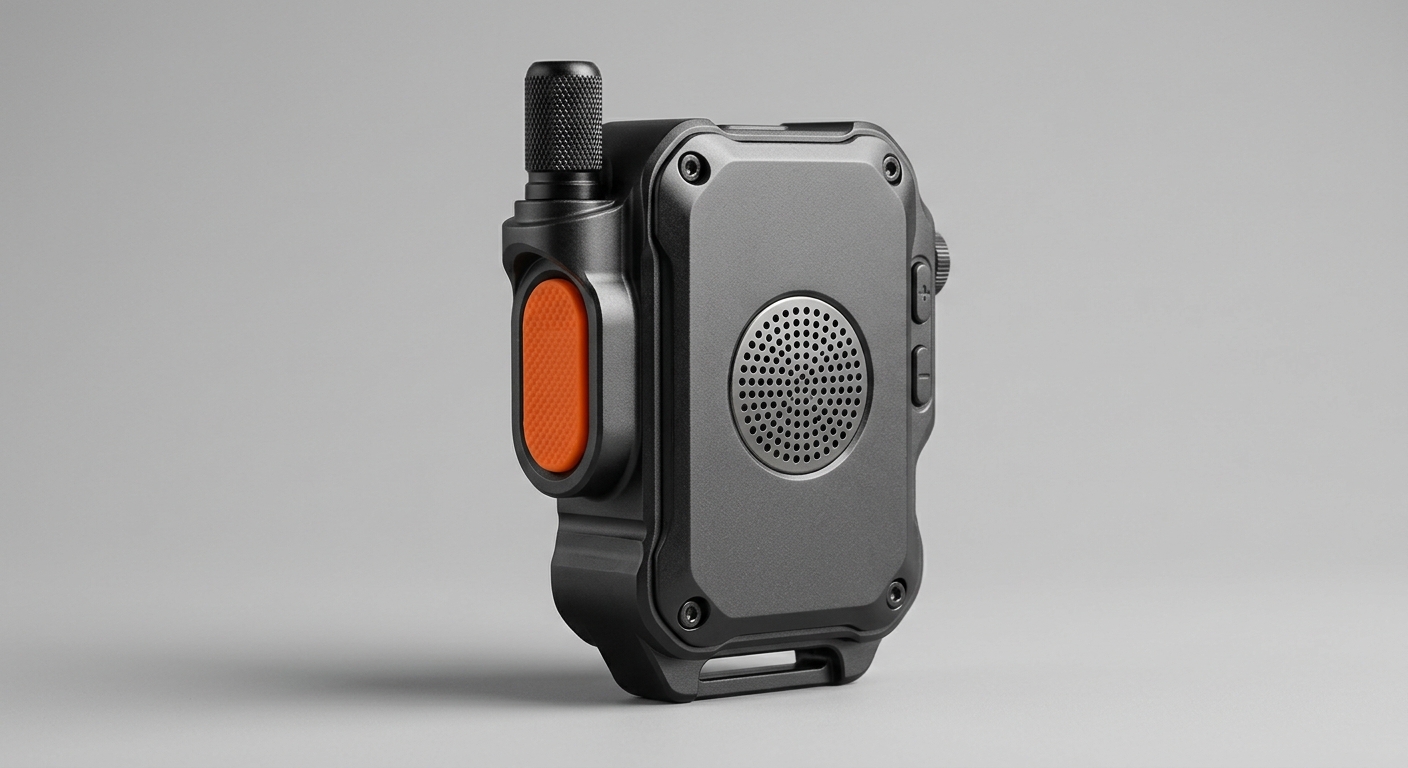
A Company Brain is the company’s memory made usable: the people-knowledge, processes and data that normally sit locked in separate systems, connected so that anyone can ask a question and get a correct, sourced answer. On the frontline, that memory finally travels to where the work is - a phone, a shared tablet, a rugged handheld, or hands-free voice.
What it looks like in the worker’s hand
- Ask in plain language - “How do I clear a jam on line 3?” or “What is the return policy on opened electronics?” The worker asks the way they would ask a colleague, by voice or text.
- Answered from your real systems - the Company Brain reads the actual work instruction, policy or record from SharePoint, the CRM or the ERP, and answers with the current version, not a stale printout.
- In the worker’s own language - it reads the source once and replies in Polish, Turkish, Romanian or Ukrainian, without anyone maintaining translated copies of every document.
- With its source shown - the answer cites which instruction or data sheet it came from, so the worker can trust it and a supervisor can audit it.
- On the device they already carry - since 61 percent of deskless workers already use personal phones for work information, meeting them there is faster than any new terminal7.
Where the AI employees pick up the work
Answering the question is half of it. An AI employee then does the routine follow-up that would otherwise pull the worker off the floor or wait for the back office.
- Logs the action - records the fault, the fix and the downtime in the maintenance system without the operator filling a form at a desk.
- Raises the next step - creates the spare-part order, the service ticket or the replenishment request and routes it for approval.
- Updates the record - writes the visit outcome to the CRM, the stock count to the ERP, the checklist to the quality system.
- Escalates when unsure - for anything safety-critical or low-confidence, it flags a human instead of deciding, keeping a person in the loop where it matters.
The Shift in One Sentence
Instead of the worker leaving the task to go find knowledge, the knowledge comes to the worker at the task - and the routine paperwork that used to follow gets done by an AI employee, not deferred to a desk.
Frontline App vs Company Brain on the Floor
A frontline comms app alone
- ✗ Broadcasts down - pushes announcements, does not answer a specific question
- ✗ Another silo - adds a new app instead of reading existing systems
- ✗ No reasoning - cannot retrieve the right instruction from your ERP or CRM
- ✗ Knowledge still leaks - chat scrolls away and is never captured
A Company Brain plus AI employees
- ✓ Answers the question - retrieves the exact line the worker needs, sourced
- ✓ Reads your real systems - SharePoint, CRM, ERP, manuals, no rip-and-replace
- ✓ Acts on it - logs, orders and updates records automatically
- ✓ Captures knowledge - what is asked and answered stays in company memory
Put the right answer in every worker’s hand
Book a 30-minute call. We will map one frontline process where instant knowledge access pays back fastest.
Capturing What the Floor Knows Back Into Memory
The frontline is not only where knowledge is needed. It is where most operational knowledge is created and, today, lost. The feel for a machine, the customer who needs handling a certain way, the shortcut that saves an hour - it is generated on the floor and it evaporates at the next shift change or resignation. A Company Brain closes the loop by capturing it as it is used.
- Every answer improves the memory - when a worker asks and a supervisor confirms the real fix, that fix is captured, so the next person who asks gets the proven answer, not a guess.
- Shift handovers stop leaking - what happened on nights - the setting that was tweaked, the fault that recurred - is captured in company memory instead of a scribbled note that is gone by Monday.
- Turnover stops erasing know-how - with retail churning 60 to 75 percent and line roles 30 to 38 percent, capture-as-you-go means a departure no longer deletes the knowledge89.
- Onboarding gets faster - a new hire asks the Company Brain the questions they would have asked the busiest person on the floor, and reaches productivity without waiting for someone to be free.
- Tacit becomes explicit - the knowledge that only ever lived in heads becomes something the company owns, searchable and reusable across sites.
Knowledge That Survives the Person
The test of a Company Brain is simple: when your best operator retires on Friday, is the way they did the job still in the building on Monday? For most companies today the answer is no. Capturing frontline knowledge as it is used is how that answer becomes yes.
“One of the things I say to people is that you have to see machine learning and AI as an assistant, not a replacement, for expertise.”
- Darryl Willis, Corporate Vice President at Microsoft4
6 Frontline Use Cases That Deliver
The pattern is the same across every deskless industry: a worker needs an answer or an action at the point of work, and today they either interrupt someone or guess. Here are six where a Company Brain and AI employees change the economics.
1. Shop floor and machine operation
- Instant procedures - the operator asks how to clear a fault, change over a line, or run a new product, and gets the current work instruction, not a binder3.
- Captured fixes - the resolved fault and its fix are logged and become the answer for the next shift.
- Fewer wrong guesses - correct torque, tolerance and setup values are one question away, cutting the rework that costs 132 hours per worker a year3.
2. Field service and installation
- Answers on site - the technician asks about a part, a wiring diagram or a customer’s history and gets it from the CRM and manuals, even with the day’s knowledge cached for poor signal.
- First-time-fix goes up - fewer return visits because the right spec and history are available before the technician starts.
- The visit writes itself - the AI employee logs the outcome, orders the follow-up part and updates the record without a laptop in the van.
3. Retail store staff
- Policy on demand - returns, price matches, warranty terms and stock in the back all answered from the actual systems, in the moment, at the shelf.
- New starters productive faster - with retail turnover at 60 to 75 percent, staff get answers without pulling a manager off the floor8.
- Consistent answers - every associate gives the same correct policy, not their best recollection.
4. Logistics and warehouse
- Exceptions resolved fast - a mis-scan, a damaged pallet, an unusual dangerous-goods item answered against the SOP without stopping the flow.
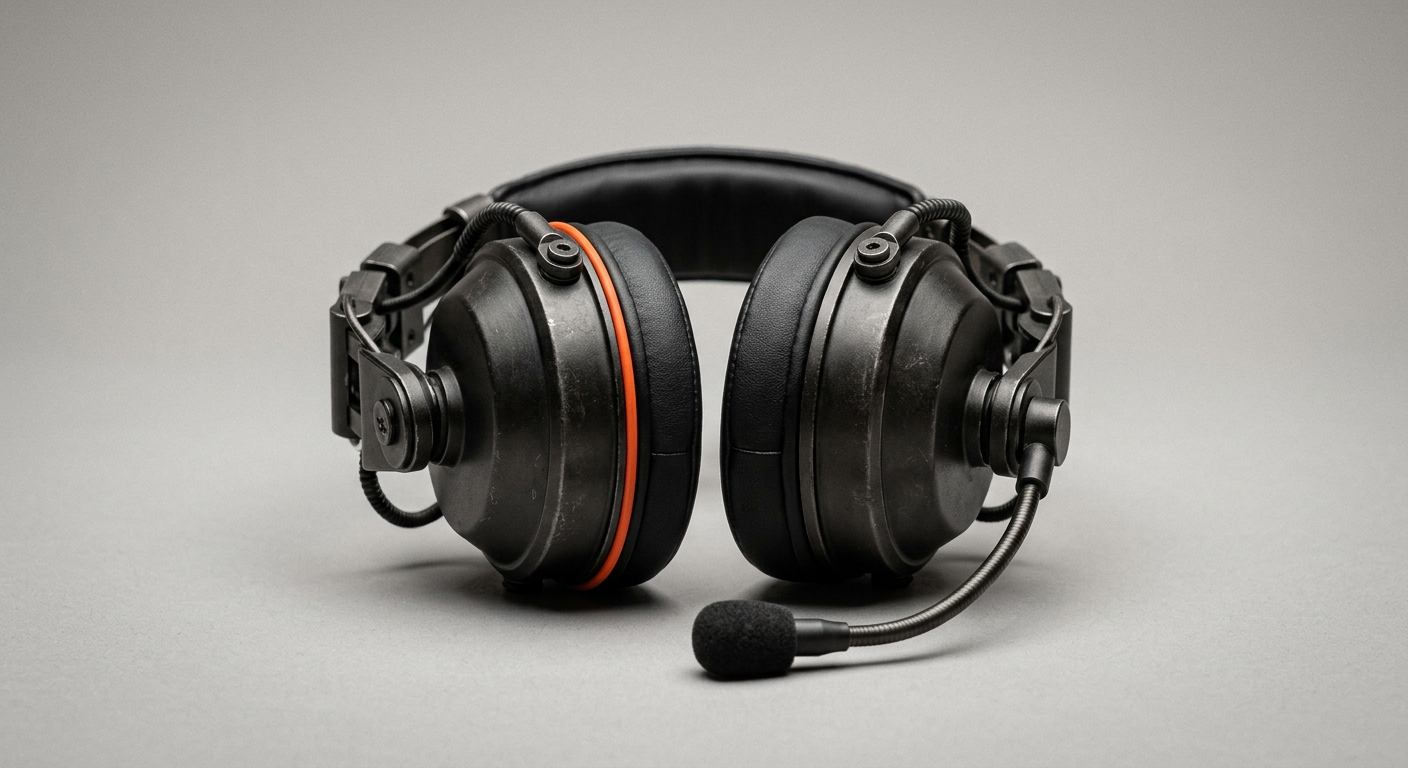
- Hands-free where needed - voice answers through a headset keep hands on the work and eyes on the dock.
- Records kept clean - the AI employee updates the WMS and raises the claim or the reorder as the exception is handled.
5. Healthcare and care
- Protocols at the bedside - a carer or nurse checks a current protocol, a medication note or a care plan from a phone instead of walking to a station.
- Human-in-the-loop by design - clinical decisions stay with the clinician; the AI retrieves the current guidance and escalates, it does not prescribe.
- Less admin, more care - routine documentation is captured by voice and written back to the record.
6. Onboarding and training across all of them
- A patient expert on shift - the new hire asks the Company Brain the basics without fear of interrupting, and learns by doing.
- Consistent, current, multilingual - everyone learns the same correct process, in their own language, from the same source of truth10.
- Ramp time drops - time to productivity shortens because knowledge is reachable instead of rationed.
| Frontline setting | Question at the point of work | What the AI employee does next |
|---|---|---|
| Shop floor | How do I clear this fault? | Logs fault and fix, orders the spare part |
| Field service | What is this customer’s install history? | Records the visit, raises the follow-up part |
| Retail | Can I refund this opened item? | Confirms policy, logs the exception |
| Warehouse | How do I handle this damaged pallet? | Updates the WMS, files the claim |
| Healthcare | What is the current protocol here? | Retrieves guidance, captures the note |
The Frontline Rollout Playbook
Frontline software fails when it is designed in an office and dropped on the floor. A rollout that lands starts where the work is and proves value on one process before it scales. Here is the sequence that works.
- Walk the floor first - watch a shift, list the questions workers actually stop to ask and the moments they guess or wait. Those questions are your first scope, not a feature list from a meeting.
- Map where each answer lives - for the top questions, find the source of truth: the SharePoint doc, the CRM field, the ERP record, the person’s head. This is what the Company Brain will read.
- Pick one worker group and one device - one shift, one store, one crew, on the device they already carry. Resist the urge to launch everywhere at once.
- Connect the systems, tune the answers - wire the Company Brain into those sources and test its answers against the real questions from step one until they are correct and sourced.
- Set the human-in-the-loop lines - decide which actions the AI employee can complete and which it must escalate, especially anything safety-critical, and write it down.
- Bring the works council in early - agree what is and is not tracked, and put it in a works agreement before launch, not after a complaint.
- Launch to the pilot group and measure - run it alongside the old way, watch time-to-answer, rework and first-time-fix against the baseline.
- Capture, then scale - let the pilot fill company memory with real answers, then extend to the next group and site on the same foundation.
Frontline Readiness Checklist
- You can name the top 10 questions your frontline stops to ask each shift
- You know which system or person holds the answer to each
- Most of your frontline carries a phone or has a shared device at the workstation
- Your core knowledge lives in connectable systems (SharePoint, Microsoft 365, CRM, ERP)
- You have a named process owner on the floor, not only in IT
- You have identified safety-critical steps that must keep a human in the loop
- Your works council or employee representatives are ready to be involved early
- You are willing to start with one site and one worker group
Build a Frontline Tool In-House vs Layer a Company Brain
Build In-House
- ✓ Full control - own every screen and rule
- ✓ Exact fit - build precisely for one workflow
- ✗ Scarce talent - frontline UX plus AI plus integration is hard to staff
- ✗ Slow - months before a worker sees value
- ✗ Still just an app - the knowledge and capture problem remains unsolved
Layer a Company Brain
- ✓ Fast to value - first use case live in 8-12 weeks
- ✓ Reads existing systems - no rip-and-replace
- ✓ Captures knowledge - solves the memory problem, not just access
- ✓ Scales across sites - the same layer serves the next group
- ✗ Needs process access - you must let the team see the real floor
How Superkind Fits
Superkind builds a Company Brain and AI employees for companies that run on more than a desk. The starting point is your existing systems and the way your floor actually works, not a generic app you have to bend your operation around.
- Company Brain as the foundation - your people-knowledge, processes and data connected into one memory that anyone, including the frontline, can query and that keeps knowledge when someone leaves.
- Reachable from the floor - answers on a phone, a shared tablet, a rugged handheld or hands-free voice, meeting workers on the device they already carry.
- Answers in the worker’s language - it reads the source once and replies in the language the worker asks in, without maintaining translated document sets.
- Sits on top of your stack - secure connectors into SharePoint, Microsoft 365, Teams, CRM, ERP and MES. Nothing is ripped out or replaced.
- AI employees do the follow-up - logging, ordering, ticketing and record updates happen automatically, so the worker stays on the task.
- Knowledge capture built in - what is asked and answered flows back into company memory, so turnover stops erasing know-how.
- Human-in-the-loop where it counts - safety-critical and low-confidence actions escalate to a person instead of being decided by the AI.
- Live in weeks, then it grows - the first frontline use case goes into production in 8 to 12 weeks, and the same foundation scales to the next group and site.
| Approach | Generic frontline app | Superkind |
|---|---|---|
| Core job | Messaging and broadcast | Answering questions from your real systems |
| Knowledge source | Content re-entered into the app | SharePoint, CRM, ERP, manuals as they are |
| Language | Manual translations | Answers in the worker’s language on the fly |
| Action | Worker still does the admin | AI employee logs, orders and updates records |
| Turnover | Knowledge still leaves | Knowledge captured into company memory |
Superkind
Pros
- ✓ Solves knowledge, not just chat - retrieves and captures, does not only broadcast
- ✓ Works on top of your systems - no rip-and-replace
- ✓ Multilingual by default - fits a diverse frontline
- ✓ Fast first result - one use case live in 8-12 weeks
- ✓ Keeps humans in control - escalation on critical actions
Cons
- ✗ Not a self-serve app - it needs engagement with our team
- ✗ Needs floor access - we have to see how the work really happens
- ✗ Depends on connectable systems - fully paper knowledge must be digitised first
- ✗ Overkill for a tiny team - a handful of workers with simple processes may not need it yet
Is Your Frontline Ready?
Not every frontline needs this today. Use these signals to decide whether instant knowledge access is a priority or a nice-to-have.
| Signal | What it means | Action |
|---|---|---|
| Workers constantly interrupt supervisors for answers | Knowledge is rationed through a few people | Start with the 10 most-asked questions |
| High turnover on the floor | Know-how leaves faster than it is documented | Prioritise capture-as-you-go on the busiest process |
| A multilingual workforce | Instructions do not reach everyone equally | Lead with multilingual answers to safety-critical steps |
| Rework and repeat visits are common | Incomplete information at the point of work | Target first-time-fix and rework reduction |
| Frontline relies on WhatsApp and paper | Shadow IT is filling a real gap and leaking data | Replace it with a governed, sourced channel |
| A handful of workers, simple stable processes | The gap may not yet justify the effort | Document the basics first, revisit as you grow |
Acting Now vs Waiting
Acting Now
- ✓ Recover lost hours - the 376 hours per worker start shrinking immediately3
- ✓ Capture before they go - document tacit know-how while the experts are still here
- ✓ Ride the agent wave - 40% of enterprise apps will feature task-specific AI agents by 202611
- ✓ Win the frontline - 63% of frontline workers already want better technology4
Waiting
- ✗ Knowledge keeps walking out - every resignation deletes undocumented know-how
- ✗ Shadow IT deepens - more sensitive data flows through personal apps3
- ✗ The friction bill compounds - delays and rework keep accruing unseen
- ✗ The frontline stays last - the biggest workforce keeps getting the least17
Frequently Asked Questions
It means giving the roughly 80 percent of the workforce who do not sit at a desk - shop floor operators, field technicians, retail staff, drivers, nurses - instant access to company knowledge and routine actions from a phone, tablet, rugged handheld or voice, without opening the desktop systems they never touch. In practice, an AI employee sits on top of your SharePoint, email, CRM, ERP and machine manuals, and a worker asks a question in their own language and gets a correct, sourced answer in seconds. It also captures what the worker knows back into company memory so the next shift benefits.
Frontline apps are broadcast and messaging channels. They push announcements down and let staff chat, but they do not answer a specific operational question by reading your actual systems. A Company Brain plus AI employees does the reasoning: it retrieves the right work instruction, the right torque spec, the right return policy or the right patient protocol from the systems where that knowledge already lives, and answers in the moment. The two are complementary, but only one closes the knowledge gap.
Yes, when it removes friction rather than adding it. Microsoft found 63 percent of frontline workers are excited about the opportunities technology creates, and technology ranks among the top factors that reduce workplace stress. The catch is that 55 percent have had to adapt to digital tools with no formal training, and a third say they lack the right tools to do their jobs. Tools that give a fast, correct answer in the worker's own language are welcomed. Tools that add another login are not.
A Company Brain answers in the language the worker asks in. This matters on the frontline, where about one in five US manufacturing workers is foreign-born and the EU working-age population born outside the bloc reached 12.6 percent in 2024. A safety-critical instruction written only in the plant's official language was never written for the worker with limited proficiency in it. The AI reads the source document once and delivers the answer in Polish, Turkish, Romanian or Ukrainian without maintaining separate translated copies.
Frontline turnover is brutal - 60 to 75 percent annually in retail and 30 to 38 percent for production line roles - and each departure takes undocumented know-how with it. When workers ask and answer questions through the Company Brain, the fix for a jamming machine, the shortcut for a tricky install, the reason a step exists gets captured as it happens. The knowledge stays in company memory instead of walking out the door, so the next hire reaches productivity faster.
The AI answers from your approved source documents and cites them, so a worker can see exactly which work instruction or safety data sheet the answer came from. For genuinely critical actions - lockout-tagout, a medication dose, a structural sign-off - you keep a human-in-the-loop checkpoint and the AI escalates rather than deciding. The goal is to make the correct, current instruction instantly reachable, not to replace human judgement on the floor.
Whatever they already carry. Most access is through a personal or company phone, a shared tablet at a workstation, a rugged handheld, or hands-free voice through a headset. Since 61 percent of deskless workers already use personal phones to reach work information, meeting them on the device in their pocket is usually the fastest path. No new terminal, no desktop rollout.
Through the same connectors an AI employee uses anywhere: APIs and secure connectors into SharePoint, Microsoft 365, Teams, your CRM, your ERP, your MES and document stores. Nothing is ripped out or replaced. The Company Brain reads the knowledge where it already lives and adds a conversational layer on top, reachable from the floor.
Field connectivity is patchy, so a frontline deployment caches the most relevant knowledge - manuals, part specs, customer history for the day's jobs - so the technician gets answers even in a basement or a rural site, then syncs captured notes and completed actions when the signal returns. The design assumption is intermittent connectivity, not a constant connection.
Most frontline knowledge-access and process-support use cases fall into the minimal or limited-risk categories, which carry light obligations like transparency. AI used in worker management or safety-critical decisions can be higher risk and needs proper assessment. SMEs get priority access to free regulatory sandboxes and proportionate penalty caps. Treating the frontline rollout as a governed system from day one keeps you on the right side of the rules.
A focused first use case - one site, one process, one worker group - typically goes from assessment to production in 8 to 12 weeks. The first weeks map how the floor actually works and where the knowledge lives. The middle weeks connect the systems and tune the answers against real questions. The last weeks roll out to a shift or a store and measure against a baseline. First results usually show within 90 days.
Works councils in Germany have co-determination rights over systems that could monitor performance, so involve them early. A knowledge-access assistant that helps a worker find an answer is far easier to agree than a surveillance tool. Frame it around removing friction and reducing errors for the worker, agree what is and is not tracked, and put it in a works agreement. Transparency up front prevents a stalled rollout later.
Against a baseline taken before launch. Track time-to-answer for a floor question, first-time-fix rate for field service, rework and error rates, onboarding time to productivity for new hires, and how much captured knowledge is being reused. The frontline friction study found each worker loses roughly 376 hours a year to poor information access, searching and redoing work - that number is your target to shrink.
Related Articles
- AI for Field Service: Answers and Action at the Point of Work
- Shift Handover Knowledge: Stop Losing What the Last Shift Learned
- AI in Logistics and the Warehouse
- AI and Knowledge Transfer: Keeping Know-How When People Leave
- Turning a SharePoint Knowledge Base Into Answers
- Voice AI Agents for Hands-Free Work
Sources
- Emergence Capital - The State of Technology for the Deskless Workforce
- BCG - Facing the Deskless Labor Shortage with Technology (2024)
- Sixteen:Nine - $80.6 Billion Lost Annually to Frontline Friction (2025)
- Microsoft WorkLab - Technology Unlocks a New Future for Frontline Workers
- Microsoft - The 2025 Annual Work Trend Index: The Frontier Firm
- 1Huddle - Challenges That Your Deskless Workers Face
- Xenia - Deskless Workers Are Going Digital: 7 Stats That Say So
- DailyPay - Employee Turnover in Retail: Rates, Causes, and Strategies
- Manufacturing Turnover Statistics 2025-2026: Quit Rates
- Anthill - The Economic Imperative of a Multilingual Frontline Workforce
- Gartner - 40% of Enterprise Apps Will Feature Task-Specific AI Agents by 2026
- UNLEASH - Atlassian: AI Could Save 2.4 Billion Hours Wasted Searching for Information
- TalentCards - The State of Deskless Workforce Training
- WGU Labs - Empowering Deskless Workers for Economic Mobility
- ScreenCloud - Tackling the Challenges for Frontline Workers: A Study
- CIO Dive - Most Employees Waste Up to 8 Hours a Week Finding Data
- HR Executive - The Frontline Is HR's Biggest AI Blind Spot
- Skedulo - The Rise of the Mobile Workforce and Deskless Workers
- EU AI Act - Small Businesses Guide
- World Economic Forum - Beyond the Desk: How AI Is Transforming the Frontline Workforce
Ready to reach your frontline?
Book a 30-minute call with Henri. We will pick one frontline process, map where the knowledge lives, and outline how to put instant answers in your workers’ hands - no commitment, no sales pitch.
Book a Demo →